On Air
This project came out of a very practical problem during the pandemic, when working from home suddenly became normal. Two people working in the same room sounds harmless enough, until one of them is in a video call and the other one walks in completely unaware.
In my case, I came back after dinner and loudly complained about how stuffed I was. Unfortunately, the other person was in a business call, and everyone heard it. It was harmless and everyone laughed, but it made clear that we needed a simple and very visible way to show when someone was “on air”.
The result is a pair of WiFi-connected on-air displays. The useful part is that if either one is toggled on, both displays light up. The switches are logically OR-connected, so as soon as one person activates their unit, every connected display shows the warning. I only built two of them, but the system can support more units. It does not need a server, because the devices communicate using UDP broadcasting on the local network. If a display is on or off is indicated with the little green LED in the switch.
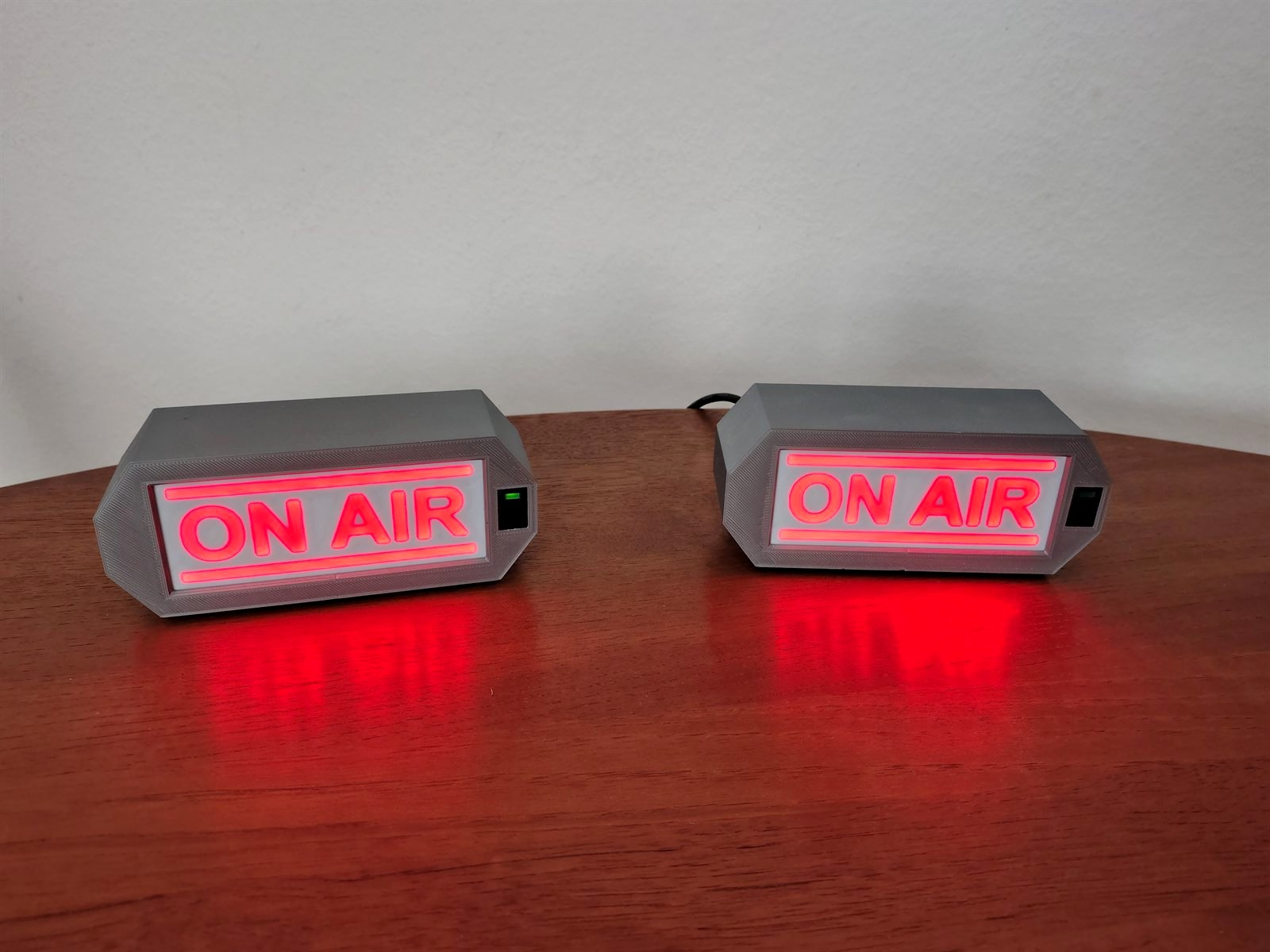
Each unit has a custom, self-etched PCB and a 3D printed case. I do not usually etch PCBs anymore, because it is time-consuming and manufactured PCBs have become cheap enough even for hobby projects. For this one, however, the handmade board fit the quick-and-practical nature of the project. The enclosure was designed in Fusion, with a white cover and a black mask so the illuminated text is clearly visible.
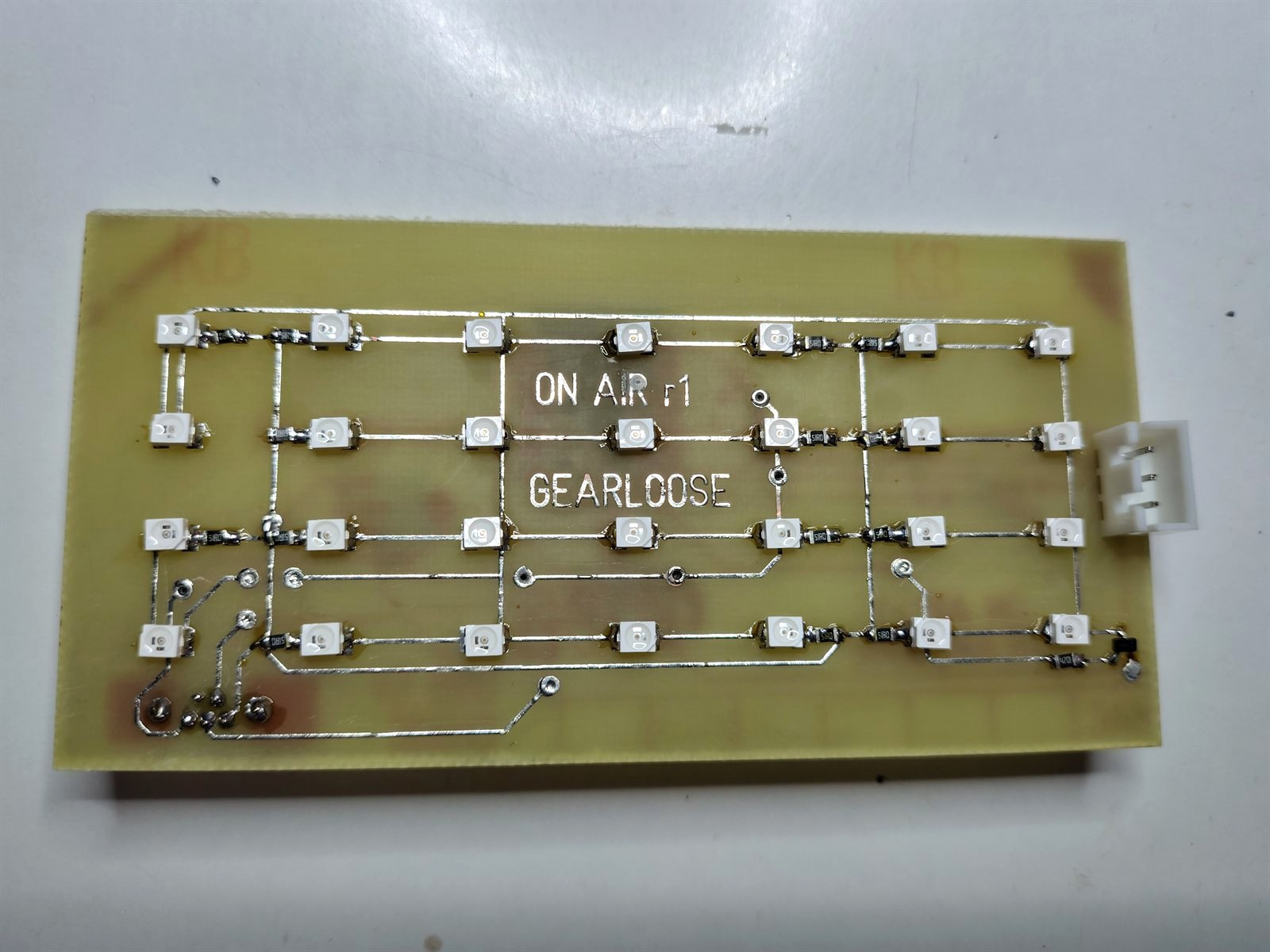
The display is intentionally very bright. I somewhat overpowered the LEDs, they are very bright. For simplicity I skipped a proper LED driver and used resistors instead. It is a lazy solution, but for a small warning display it does the job nicely.
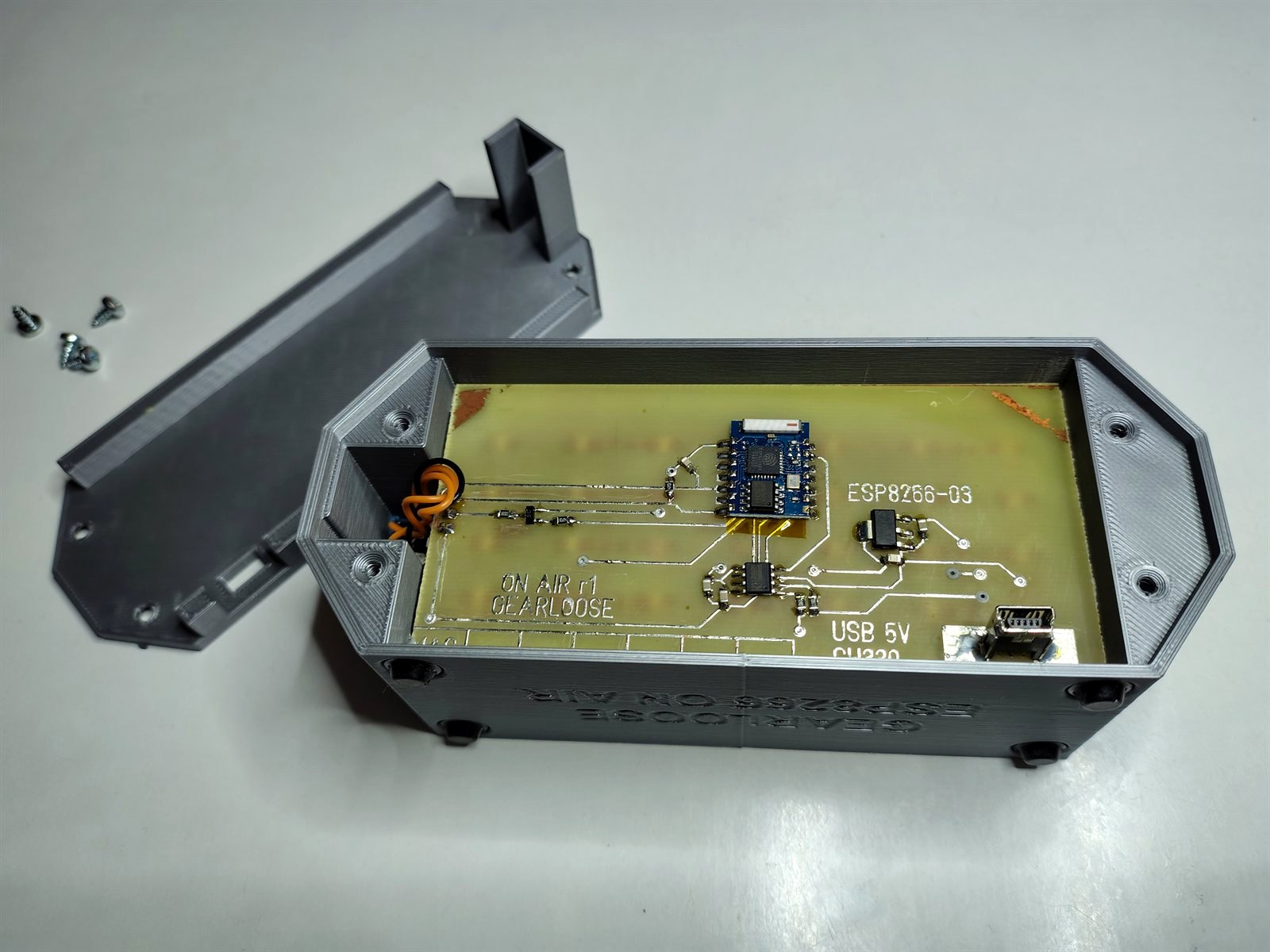
The controller is an old ESP8266 module that I still had lying around. A small USB-to-UART chip makes it easy to flash new firmware even after the unit is assembled. The button also doubles as the bootloader/programming button when pressed during power-on. The PCB is a little crude, but it works perfectly.
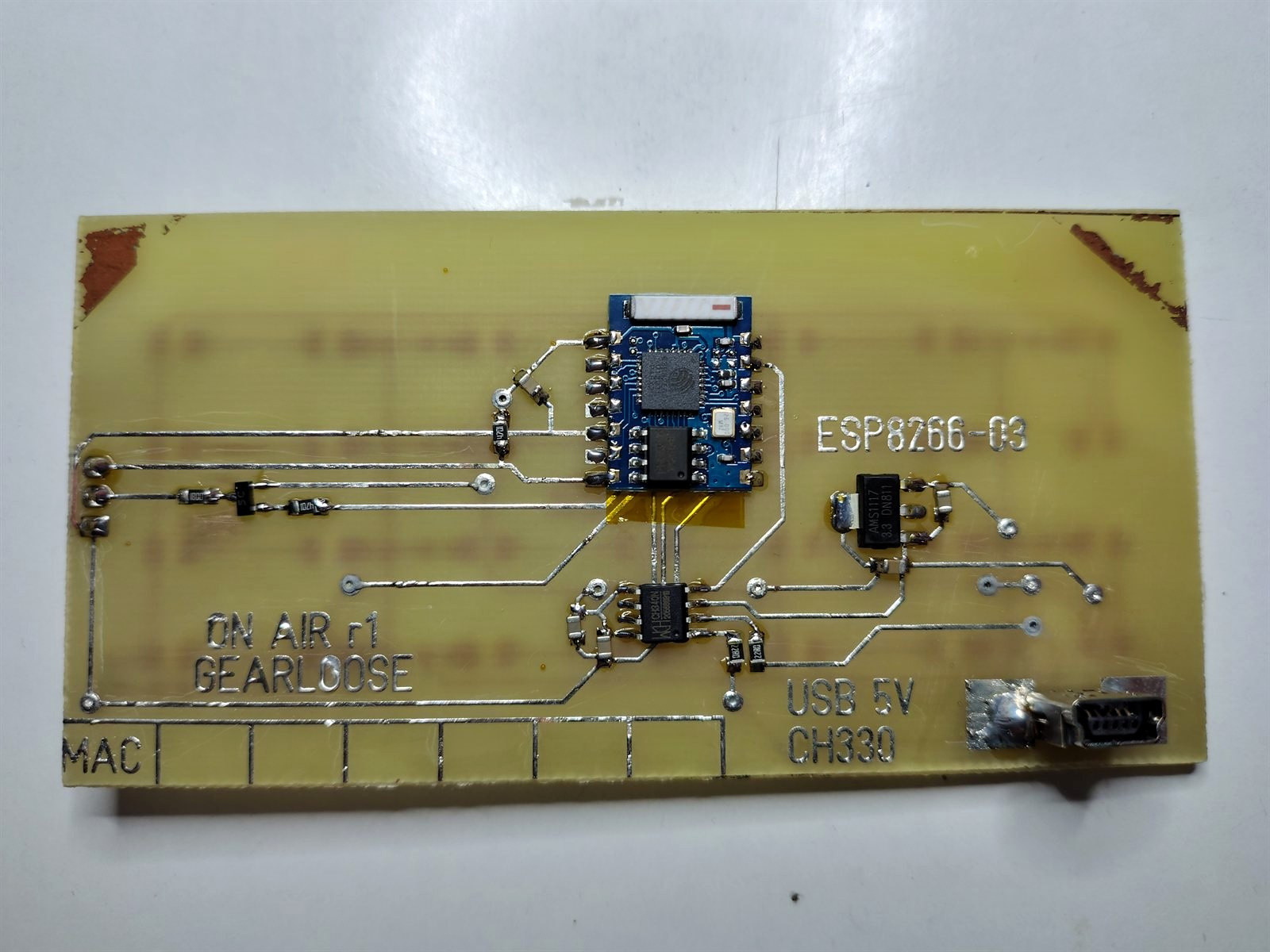
The mini USB connector is mounted so it is directly accessible through the case. That makes firmware updates and debugging easy without opening the enclosure. Overall, it is a small project, but a very useful one: simple hardware, simple network communication, and a very clear visual signal before someone accidentally broadcasts dinner commentary into a meeting again.
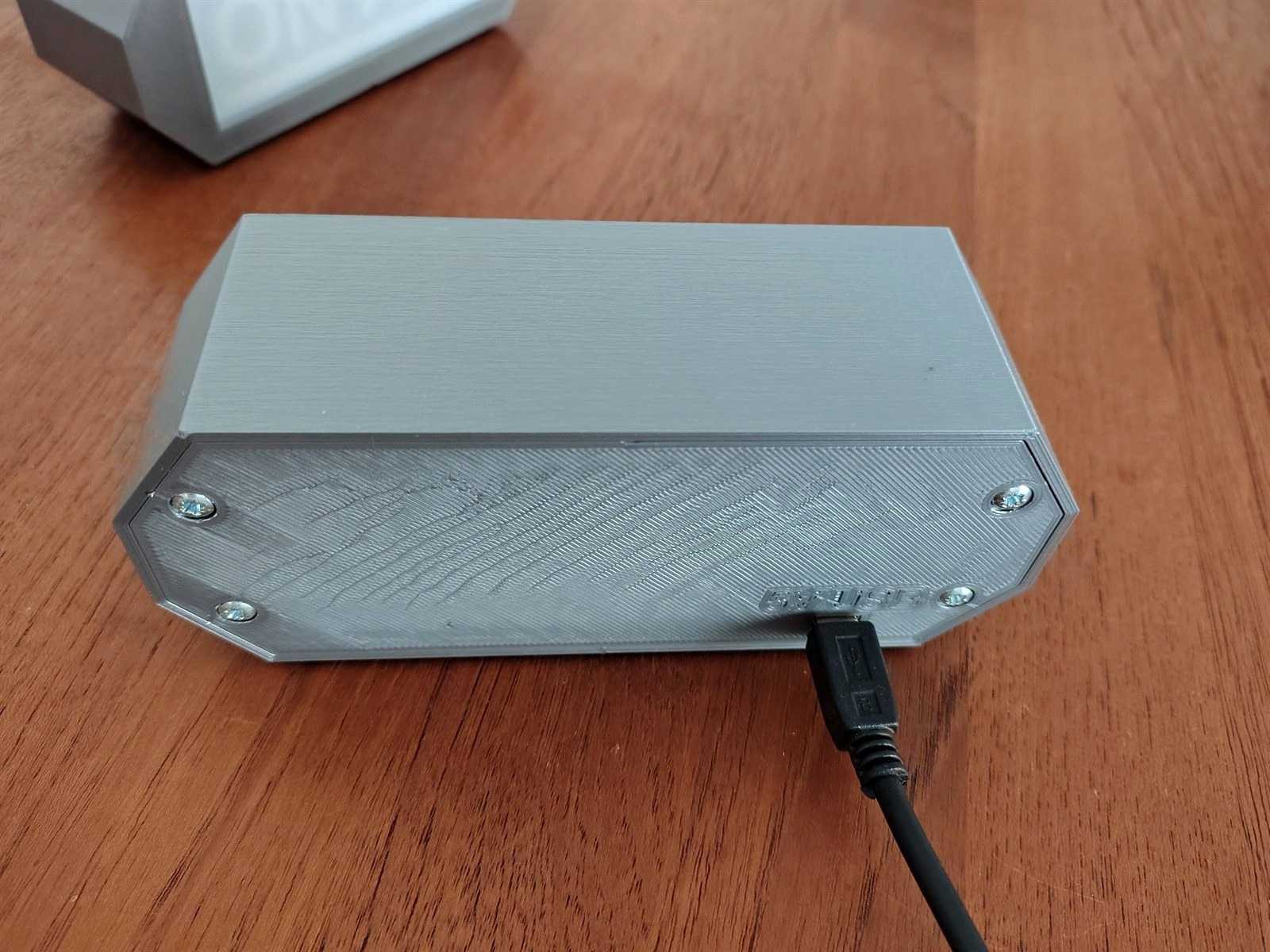
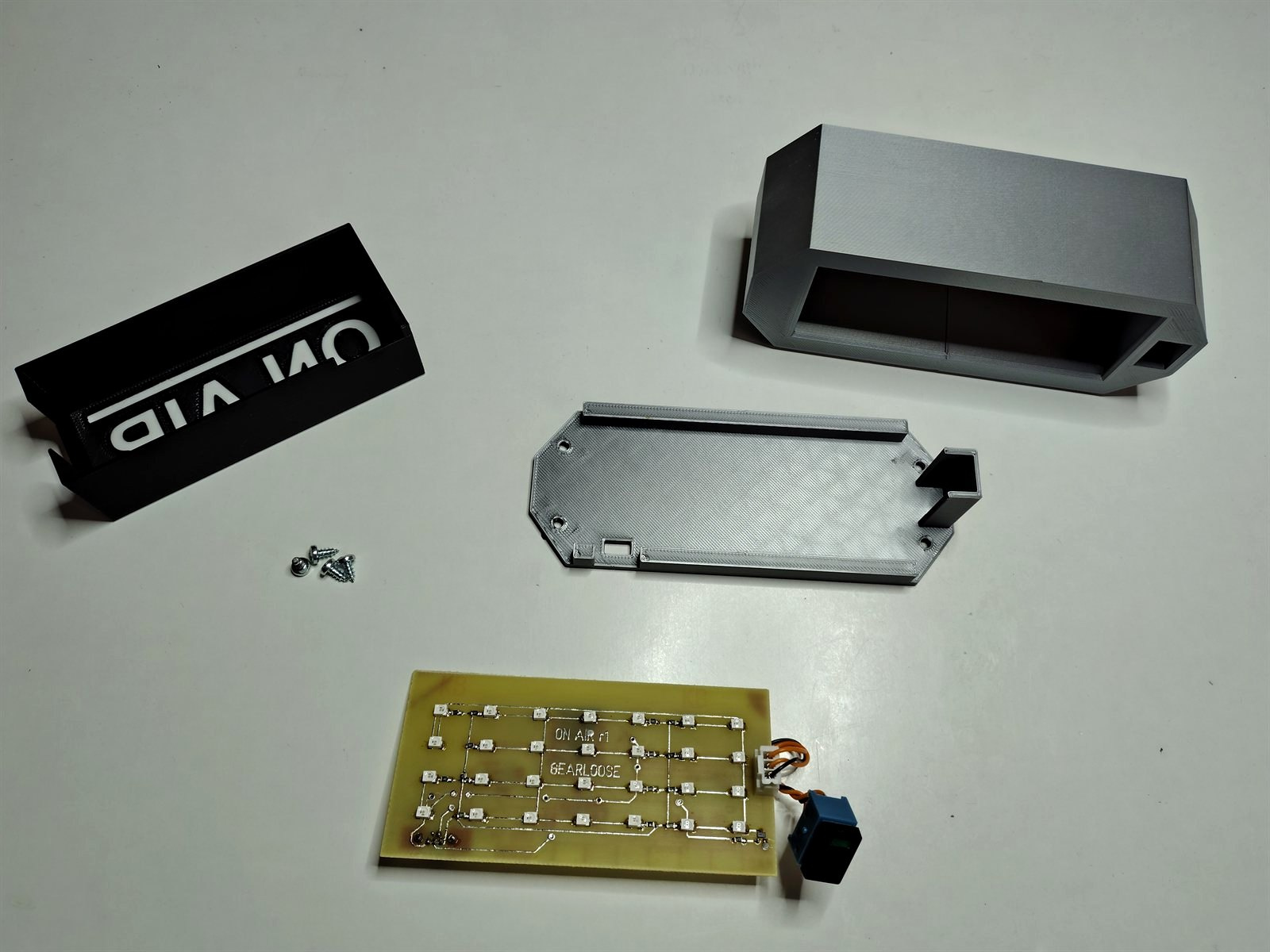
The button is simply slid in the front case part and held in place by the back.
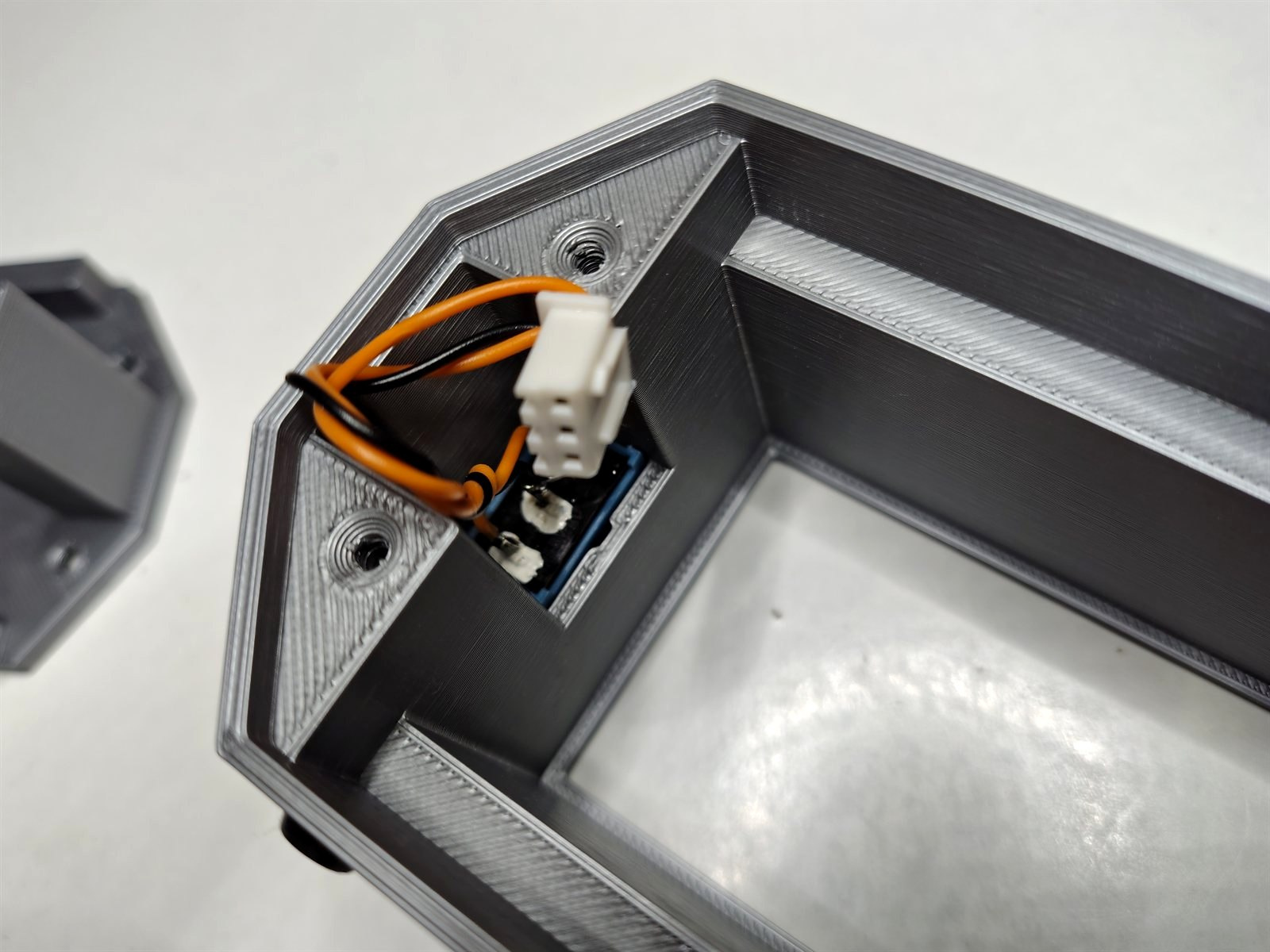
Assembly is simple. That is the upside of a custom PCB. There is (hardly) not wiring needed.